
Linux kernel 7.0 released, marking the end of the 6.x era and the beginning of a new version number—but not necessarily a revolution.
If you were expecting a dramatic overhaul, you might be surprised. Just like previous major version jumps, Linux 7.0 is less about flashy changes and more about steady, meaningful evolution.
And that’s exactly what makes it important.
Why Version 7.0 Exists at All
Let’s clear something up first: the jump to version 7.0 isn’t tied to a single groundbreaking feature.
According to Linus Torvalds, the version bump is largely practical. The kernel version numbers were simply getting too high, and it was time to roll over—just as it happened with previous transitions like 5.0 and 6.0.
In other words, this is evolution, not reinvention.
Performance Improvements That Actually Matter
Even without a headline feature, Linux kernel 7.0 brings a collection of improvements that impact real-world usage.
Smarter CPU Scheduling
A new time-slice extension mechanism allows critical applications—like games or audio tools—to request slightly more CPU time before being interrupted.
👉 Result: smoother performance, fewer stutters.
Better Memory Handling
Memory management has been refined with new allocation optimizations, reducing latency spikes under heavy workloads.
👉 Result: improved responsiveness, especially on modern systems.
Faster Containers and Networking
Enhancements to container handling and networking stacks (including IO improvements and zero-copy mechanisms) make Linux even more efficient in server environments.
👉 Result: faster cloud workloads and backend systems.
Filesystem and Storage Upgrades
Linux kernel 7.0 continues to strengthen filesystem reliability.
- XFS gains self-healing capabilities
- Improved drive health reporting
- Better handling of large-scale storage systems
👉 This is especially relevant for servers and data-heavy environments.
Next-Gen Hardware Support
One of the most important—but often overlooked—areas of any kernel release is hardware enablement.
Linux 7.0 adds early support for:
- Intel Nova Lake CPUs
- AMD Zen 6 architecture
- New GPUs and platform features
👉 This ensures Linux stays ready for upcoming hardware generations.
Desktop Users: Will You Notice Anything?
Short answer: probably not immediately.
Linux kernel updates rarely bring visible UI changes. Instead, they:
- improve system stability
- enhance compatibility
- optimize performance under the hood
For desktop users, the benefits are subtle—but real.
Expected Adoption
Linux kernel 7.0 is expected to appear in major distributions soon, including:
- Ubuntu 26.04 LTS
- Fedora 44
- Rolling releases like Arch Linux
As usual, bleeding-edge users will get it first, while stable distros will follow.
A Bigger Picture: Why This Release Matters
Linux kernel 7.0 is a reminder of how Linux evolves.
Not through sudden disruption—but through continuous, incremental improvement.
It may not feel exciting on the surface, but these changes:
- power cloud infrastructure
- improve gaming performance
- enable future hardware
And quietly shape the entire tech ecosystem.
Final Thoughts
Linux kernel 7.0 isn’t about hype.
It’s about refinement, stability, and preparing for the future.
And that’s exactly why it matters.

Linux in IoT – Why Linux Is at the Heart of IoT

Best Linux Distro for Developers in 2026: 7 Top Picks by Use Case
The best Linux distro for developers is Ubuntu LTS for compatibility, Fedora Workstation for up-to-d…

Immutable Linux Distros Explained: The Image-Based OS Revolution in 2026
Immutable Linux distros have moved from a niche experiment to a mainstream desktop option in 2026. F…

GhostLock: A 15-Year Linux Kernel Bug Has a 5-Second Public Root Exploit
A Linux kernel vulnerability that has been hiding in plain sight since 2011 was publicly disclosed o…

How to Install Linux on a Laptop: A Step-by-Step Guide – 2026
Switching to Linux can breathe new life into an aging laptop, boost your privacy, and hand you full …
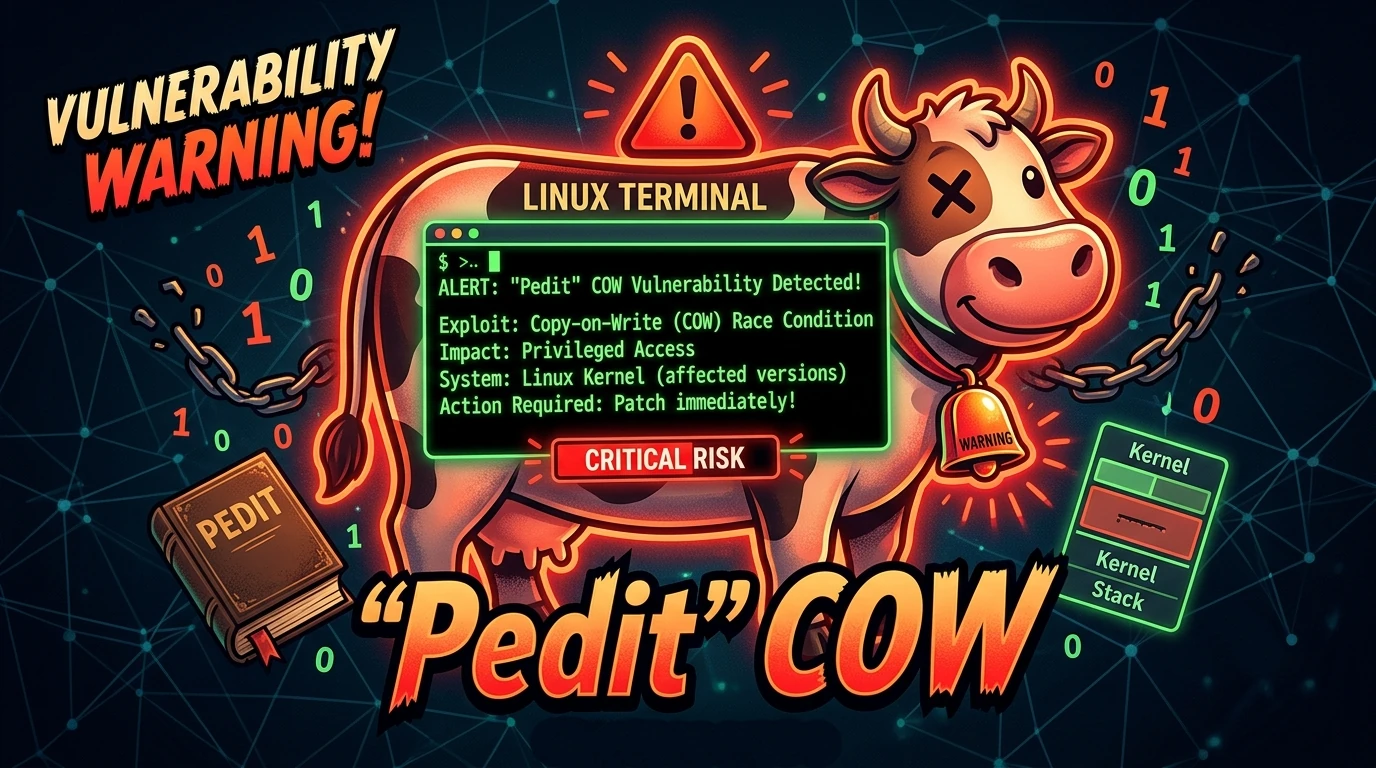
Pedit COW Explained: The Linux Kernel Flaw Letting Local Users Become Root
A new Linux kernel vulnerability nicknamed “pedit COW” has become one of the biggest sec…
The AUR Malware Attack Exposed a Fact Most Arch Users Don’t Know
Here is something most Arch Linux users have never thought carefully about: the Arch User Repository…