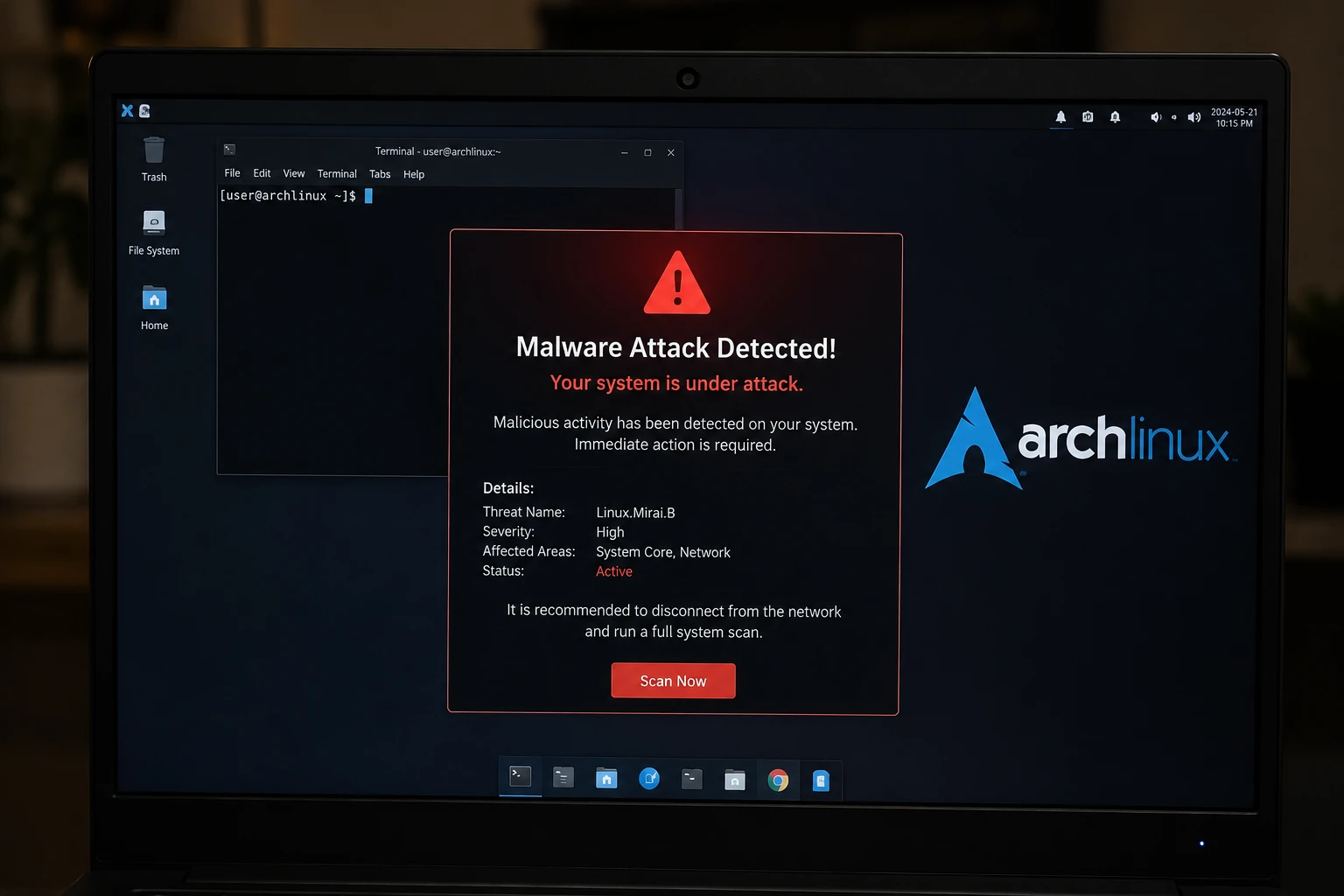
Here is something most Arch Linux users have never thought carefully about: the Arch User Repository — the AUR, the place millions of Arch users go to install software that isn’t in the official repos — has no code review process at all. Anyone can upload a package. Anyone can take over a package whose maintainer walked away. No one checks what’s actually in the build script before it lands on your system.
AUR malware attack
That fact sat quietly in the background for years, mostly harmless, until June 2026, when it became the foundation of one of the largest supply chain attacks the Linux world has seen.
What actually happened
In early June 2026, security researchers discovered that attackers had taken control of community-maintained AUR packages and quietly modified them to install credential-stealing malware. The campaign was named Atomic Arch, and the scale kept growing as investigators dug deeper — early reports put the number of compromised packages over 400, and later analysis revised that figure upward to roughly 1,500.
The attack did not exploit a vulnerability in Arch Linux itself, and it’s worth being completely clear about that: the official core, extra, and multilib repositories — the packages Arch actually vets — were never touched. What got compromised was entirely within the AUR, the user-submitted layer that sits alongside the official system.
The method the attackers used wasn’t sophisticated hacking. It was something far simpler and, in a strange way, more unsettling: they just followed the rules.
The lesser-known mechanism that made this possible — package adoption
The AUR has a feature called package adoption. If a maintainer abandons a package — stops updating it, goes quiet, moves on with their life — anyone else can request to “adopt” it and take over maintenance. This exists for a genuinely good reason: useful software shouldn’t die just because the person who originally uploaded it lost interest.
The attackers behind Atomic Arch understood this mechanic better than most legitimate users do. They systematically went through the AUR looking specifically for orphaned packages — software with an established install base and a trusted reputation, but no active maintainer watching over it. They adopted these packages through the completely normal, completely legitimate AUR process. No account was hacked. No password was stolen. They simply asked for ownership of software nobody was looking after anymore, and the system gave it to them.
Once in control, they modified the package’s PKGBUILD — the build script that tells your system how to compile and install the software — to quietly install a malicious npm package called atomic-lockfile, alongside a payload internally referred to as deps. The build scripts on the surface looked almost entirely normal. The malicious addition was often a single line referencing npm install inside a post-install hook — easy to miss if you weren’t specifically looking for it, and the vast majority of users installing AUR packages were not.
Why this detail matters more than the malware itself
The technical payload — credential theft, in some cases an eBPF-based rootkit for persistence — is the part that makes headlines. But the more important lesson is structural, and it’s one that applies well beyond this single incident.
The AUR works on an honor system. Unlike Flathub, which requires every app to be manually reviewed before publishing, the AUR has no equivalent review process — it is mostly limited to a single distro family and requires the user to personally read PKGBUILD files to know what they’re actually installing. That tradeoff has always been the AUR’s defining feature: it’s why Arch users have access to a staggering breadth of software that would never make it into an official, vetted repository. The same openness that makes the AUR genuinely excellent is the same openness that made Atomic Arch possible.
Most users — understandably — do not read every PKGBUILD line by line before installing. The AUR has functioned for years on a kind of implicit, distributed trust: thousands of users installing thousands of packages, with the unspoken assumption that if something were obviously malicious, someone would have noticed by now. Atomic Arch is the moment that assumption got tested at scale, and it did not entirely hold up — the compromised packages sat live for roughly two weeks before the scale of the campaign was understood.
What attackers were actually after
This was not a smash-and-grab cryptomining operation, though a cryptominer component was found bundled in. The primary target was developer credentials specifically — SSH keys, GitHub access tokens, npm tokens, cloud provider API keys, and CI/CD pipeline secrets. The malware was tuned to look for exactly the kind of access that, once stolen, opens doors into much larger organizational infrastructure than a single personal laptop.
This pattern — targeting developer machines and CI runners rather than casual end users — mirrors a wider trend that has hit npm, PyPI, and other package ecosystems in recent years. Attackers have increasingly figured out that a developer’s laptop is often a far more valuable target than a regular consumer device, because one compromised developer credential can be the key to an entire company’s codebase or cloud infrastructure.
Are you affected of AUR malware attack?
This only applies to you if you use Arch Linux or an Arch-based distribution (Manjaro, EndeavourOS, and similar) and you install or update software through the AUR specifically. If you only use the official Arch repositories, or you run a non-Arch distro entirely, this specific incident does not touch your system.
Check which AUR packages you have installed:
bash
pacman -QmThis lists every “foreign” package on your system — anything not from the official repos, which on an Arch-based system generally means AUR packages.
Look for signs of compromise:
bash
# Check for unexpected network activity from build processes
sudo ss -tupn

# Check for suspicious npm-related processes
ps aux | grep -i npm

# Check for hidden eBPF programs (a sign of the more advanced rootkit variant)
ls /sys/fs/bpf/ 2>/dev/null
If you find anything matching the known-compromised package list circulating in Arch community channels, the safest response is not just removing the package. If a malicious post-install hook ran with root privileges, treat the entire system as potentially compromised — rotate every credential that lived on that machine (SSH keys, API tokens, saved passwords) and consider a clean reinstall rather than trying to surgically clean an already-compromised system.
What the Arch team did in response
The Arch Linux team moved quickly once the scale became clear — resetting and deleting malicious package content, banning the accounts responsible, and pushing out warnings through official channels urging users to manually review PKGBUILD changes before updating, especially during the response window. The team has also indicated structural changes to the package adoption process are under discussion, to make this specific attack vector harder to repeat.
The broader lesson for anyone using community package repositories
This is not really a story about Arch Linux being insecure — Arch’s actual security model worked exactly as designed; the official repositories were never compromised. It’s a story about what happens at the edges of trust in any open, volunteer-run software ecosystem. The AUR’s permissiveness is a deliberate, reasonable design choice that has served the Arch community well for two decades. Atomic Arch doesn’t prove that choice was wrong. It proves that any system built on implicit trust needs active, deliberate verification habits from the people using it — not just faith that nobody would abuse the openness.
If you use the AUR regularly, the simplest habit worth building from this point forward: before installing or updating any AUR package, skim the PKGBUILD for anything that downloads or installs additional software you didn’t expect — particularly references to npm, pip, cargo, or raw binary downloads inside install hooks. It takes thirty seconds and it is, at the moment, the only real line of defence the system has.
AUR malware attack 2026

Immutable Linux Distros Explained: The Image-Based OS Revolution in 2026
Immutable Linux distros have moved from a niche experiment to a mainstream desktop option in 2026. F…

GhostLock: A 15-Year Linux Kernel Bug Has a 5-Second Public Root Exploit
A Linux kernel vulnerability that has been hiding in plain sight since 2011 was publicly disclosed o…

How to Install Linux on a Laptop: A Step-by-Step Guide – 2026
Switching to Linux can breathe new life into an aging laptop, boost your privacy, and hand you full …

Pedit COW Explained: The Linux Kernel Flaw Letting Local Users Become Root
A new Linux kernel vulnerability nicknamed “pedit COW” has become one of the biggest sec…
The AUR Malware Attack Exposed a Fact Most Arch Users Don’t Know
Here is something most Arch Linux users have never thought carefully about: the Arch User Repository…
Ctrl+C Ctrl+V Not Working in Terminal? Here’s Why (Linux)
Ctrl+C Ctrl+V not working in terminal is one of the most common points of confusion for anyone new t…

Best Web Hosting for WordPress 2026: 5 Fast, Secure Picks
Best web hosting for WordPress 2026 isn’t just about price anymore. With Google’s Core Web Vita…

Best Free AI Image Generators in 2026 (Tested & Ranked)

Matter 1.4 vs Zigbee vs Z-Wave: Best Smart Home Protocol for US Homes in 2026
By KontraNet IoT Hub | Last Updated: June 3, 2026 | Reading time: 11 min Quick Pick for US Homeowners in 2026 Use this table if you just need the answer fast: Your Situation…

Best Linux Distros for IoT in 2026: Pi 5, RISC-V, and Edge AI Tested
Linux powers 80% of Internet of Things devices shipped in the US, from your Home Assistant hub to industrial sensors at Ford plants. With Raspberry Pi 5, cheap RISC-V boards,…