
Updated: May 2026 | Covers Raspberry Pi 5, 4, 3B+, Zero 2 W, and older models
The Raspberry Pi remains one of the most versatile pieces of hardware you can buy for under $100. But choosing the right operating system makes the difference between a smooth, powerful project and hours of frustration. The wrong OS on the wrong Pi model wastes RAM, kills performance, and limits what you can build.
This guide covers the best operating systems for Raspberry Pi in 2026 — organised by use case, with model compatibility, honest pros and cons, and direct download links for each one. Whether you’re a complete beginner or building a headless server cluster, there’s an OS here for you.
Quick comparison — which OS is right for you?
| OS | Best for | Pi models | Desktop? | Min RAM |
|---|---|---|---|---|
| Raspberry Pi OS | Beginners, general use | All | Yes (optional) | 512MB |
| Ubuntu Desktop | Developers, power users | Pi 4, Pi 5 | Yes | 4GB rec. |
| Ubuntu Server | Servers, containers | Pi 3, 4, 5 | No | 1GB |
| LibreELEC | Media center / Kodi | Pi 3, 4, 5 | No (Kodi UI) | 1GB |
| RetroPie | Retro gaming | Pi 3, 4 | No (EmulationStation) | 1GB |
| DietPi | Headless, IoT, servers | All incl. Zero | Optional | 256MB |
| Kali Linux | Security & penetration testing | Pi 3, 4, 5 | Optional | 1GB |
| Home Assistant OS | Smart home automation | Pi 3, 4, 5 | No (web UI) | 2GB |
1. Raspberry Pi OS — The best starting point for most people
Best for: Beginners, students, educators, and everyday desktop use Supported models: All Raspberry Pi models
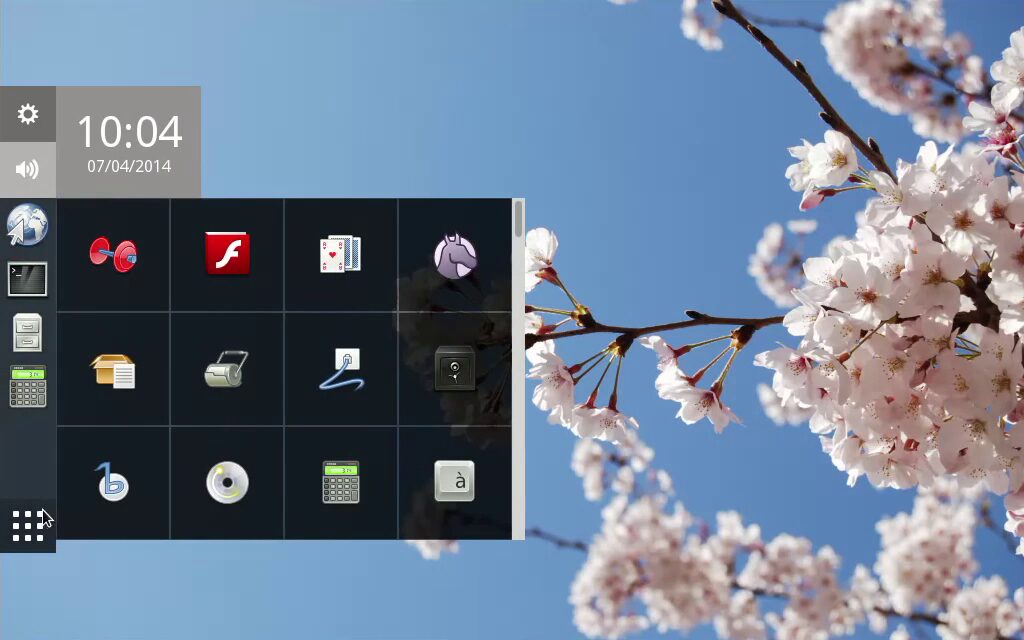
Raspberry Pi OS (formerly Raspbian) is the official operating system from the Raspberry Pi Foundation and the default recommendation for a good reason. It’s Debian-based, optimised specifically for Pi hardware, and available in three flavours: Desktop (with recommended software), Desktop Lite (clean desktop, no extras), and Lite (headless, CLI only).
The 2026 release ships with Debian Bookworm as its base, bringing updated package versions, improved Wayland support via the Wayfire compositor, and PipeWire for modern audio handling. The Raspberry Pi Imager tool makes flashing a new install onto an SD card or USB drive a two-minute job.
What’s good:
- Hardware-optimised by the people who make the Pi itself
- Huge community, documentation, and tutorial library
- Works well on everything from the Pi Zero 2 W to the Pi 5
- Comes with Python, Scratch, and educational tools pre-installed
- Pi-specific GPIO tools and libraries built in
What to watch out for:
- 32-bit by default on older models (64-bit available and recommended for Pi 4/5)
- Not ideal for heavy desktop workloads even on Pi 5
Download: raspberrypi.com/software
2. Ubuntu Desktop for Raspberry Pi — The best full desktop experience on Pi 5
Best for: Developers and power users who want a full Linux desktop Supported models: Raspberry Pi 4 (4GB/8GB), Raspberry Pi 5
Ubuntu Desktop on the Pi 5 is genuinely impressive in 2026. Canonical has invested heavily in Pi support and the experience on an 8GB Pi 5 with a fast NVMe SSD (via the Pi 5’s PCIe connector) is comparable to a budget desktop PC. Ubuntu 25.10 ships with GNOME 48, which includes the new dynamic triple-buffering improvements that make the Pi 5’s GPU feel noticeably snappier.
For the Pi 4, stick to the 4GB or 8GB model — 2GB is technically supported but will feel sluggish with GNOME.
What’s good:
- Full Ubuntu package repository — thousands of apps available immediately
- Excellent for Docker, VS Code, and development workflows
- Long-term support releases backed by Canonical
- Familiar to anyone coming from Ubuntu on x86
What to watch out for:
- Not suitable for Pi 3, Zero, or anything below 4GB RAM for desktop use
- Higher power consumption and heat on Pi 4/5 under load
Download: ubuntu.com/download/raspberry-pi
3. Ubuntu Server for Raspberry Pi — The go-to for headless server projects
Best for: Home servers, self-hosting, Docker/Kubernetes, and cloud-connected apps Supported models: Pi 3B+, Pi 4, Pi 5 (Pi Zero 2 W with limited RAM)
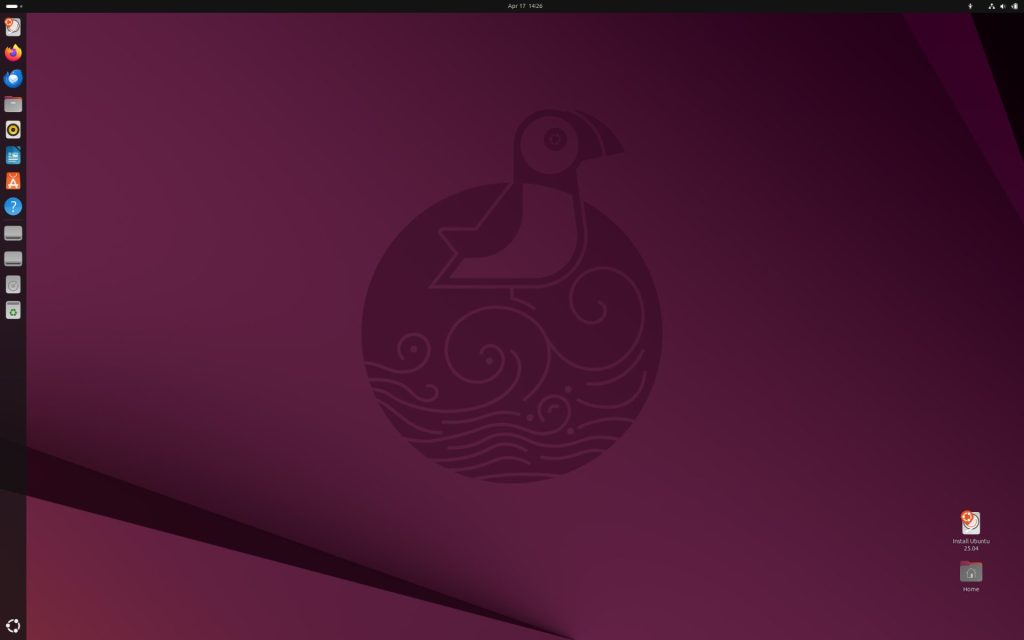
If you don’t need a desktop and want a production-grade server OS, Ubuntu Server is the most practical choice. It’s lean, well-documented, and integrates cleanly with Ansible, Terraform, and most DevOps tooling. Setting up Nextcloud, Pi-hole, Nginx, or a Kubernetes node is all well-documented territory with Ubuntu Server on Pi.
Ubuntu Server LTS releases get five years of free security patches, which matters if you’re leaving a Pi running unattended for years.
What’s good:
- Minimal footprint — boots to under 200MB RAM
- Best-in-class documentation for server use cases
- First-class support for Snap packages and containerised apps
- Strong ARM64 support
What to watch out for:
- CLI-only — you’ll need to be comfortable in a terminal
- snap vs apt package debates are a real friction point for some users
Download: ubuntu.com/download/raspberry-pi
4. LibreELEC — The best Raspberry Pi media center OS
Best for: Turning your Pi into a Kodi-powered home theater Supported models: Pi 3, Pi 4, Pi 5
LibreELEC is a “just enough OS” built for one purpose: running Kodi as fast and reliably as possible. It boots directly into the Kodi interface in seconds, uses minimal resources, and stays out of the way. There’s no desktop to manage, no updates to babble at you — just a clean, functional media center.
The Pi 4 and Pi 5 handle 4K playback smoothly with LibreELEC, including HDR passthrough if your display supports it. The Pi 3 handles 1080p well.
What’s good:
- Boots straight into Kodi — no desktop overhead
- Hardware video decoding works out of the box
- Supports Netflix, YouTube, Plex, and Jellyfin via Kodi add-ons
- Very low RAM usage — leaves resources entirely for playback
What to watch out for:
- It’s Kodi or nothing — not a general-purpose OS
- Add-on quality varies; some third-party add-ons are unreliable
Download: libreelec.tv
5. RetroPie — The best Raspberry Pi OS for retro gaming
Best for: Building a retro gaming console or arcade cabinet Supported models: Pi 3B+, Pi 4 (Pi 5 support is experimental as of mid-2026)
RetroPie turns your Pi into a multi-system emulation machine, supporting everything from the Atari 2600 to the PlayStation 1 and Nintendo 64. It uses EmulationStation as its frontend — a polished, controller-navigable interface where you browse your game library by system.
The Pi 4 handles most 16-bit and 32-bit era systems without breaking a sweat. N64 and PSP emulation is solid with the right settings. Pi 5 support is maturing but check the RetroPie forums for the latest compatibility notes before committing.
What’s good:
- Supports 50+ retro systems out of the box
- Beautiful themed UI with box art scraping
- Can be combined with Kodi for a full entertainment centre
- Massive community with pre-configured setups for popular systems
What to watch out for:
- You need to supply your own ROM files legally
- Pi 5 support still catching up as of early 2026
Download: retropie.org.uk
6. DietPi — The best ultra-lightweight OS for headless projects
Best for: IoT, self-hosted servers, automation, Pi Zero builds Supported models: All Pi models including Zero W and Zero 2 W
DietPi is the leanest serious option in this list. It strips Debian down to a bare minimum — on first boot you get a working system that uses as little as 30–40MB of RAM. From there, DietPi’s dietpi-software tool lets you install curated, pre-configured packages for popular services: Pi-hole, Nextcloud, WordPress, Plex, Home Assistant, WireGuard VPN, and dozens more — each one optimised for minimal resource use.
For Pi Zero projects, resource-constrained setups, or anyone who wants total control over exactly what runs on their system, DietPi is hard to beat.
What’s good:
- Extremely low RAM and CPU overhead
dietpi-softwaremakes complex software installs genuinely easy- Works brilliantly on Pi Zero 2 W and older hardware
- Fully headless-capable from first boot
What to watch out for:
- Steeper initial learning curve than Raspberry Pi OS
- Less beginner-friendly documentation compared to Ubuntu
Download: dietpi.com
7. Kali Linux — The best Raspberry Pi OS for security testing
Best for: Penetration testing, network analysis, cybersecurity learning Supported models: Pi 3B+, Pi 4, Pi 5
Kali Linux has maintained official Raspberry Pi images for years, and the 2026 builds for Pi 4 and Pi 5 are well-polished. With a portable Pi running Kali, you have a pocket-sized penetration testing platform with the full Kali toolset — Nmap, Wireshark, Metasploit, Burp Suite, and hundreds of other security tools.
The Pi 4 with 4GB+ RAM is the recommended minimum for running Kali with the XFCE desktop comfortably.
What’s good:
- Full Kali toolset on ARM64
- Lightweight XFCE desktop keeps resource usage reasonable
- Kali Undercover mode blends in as a Windows-looking desktop when needed
- Actively maintained with regular rolling updates
What to watch out for:
- Not a daily-driver OS — purpose-built for security work
- Some tools work better on x86; check compatibility for specific tools
Download: kali.org/get-kali/#kali-arm
8. Home Assistant OS — The best Pi OS for smart home automation
Best for: Running a dedicated smart home hub Supported models: Pi 3, Pi 4, Pi 5
Home Assistant OS is a purpose-built operating system designed for one job: running Home Assistant, the most popular open-source smart home platform. Unlike installing Home Assistant on top of another OS, HAOS gives you a dedicated, locked-down, auto-updating environment with Supervisor support for add-ons like AdGuard, Zigbee2MQTT, Node-RED, and dozens of integrations.
If you have smart bulbs, thermostats, door sensors, or any IoT devices at home, a Pi 4 or Pi 5 running HAOS is the cleanest way to get local control of your entire setup — no cloud required.
What’s good:
- One-click add-on installation for hundreds of smart home tools
- Automatic backups and updates built in
- Beautiful, mobile-friendly web UI
- Local control — your data stays on your network
What to watch out for:
- Not a general-purpose OS — it’s a dedicated appliance
- Requires some home networking knowledge to get the most out of it
Download: home-assistant.io/installation/raspberrypi
Which Raspberry Pi model do you have? Quick OS guide
Raspberry Pi 5 (4GB/8GB): Ubuntu Desktop, Raspberry Pi OS 64-bit, Kali Linux, Home Assistant OS, LibreELEC
Raspberry Pi 4 (4GB/8GB): All options above. The most flexible Pi for any use case.
Raspberry Pi 4 (2GB): Raspberry Pi OS, Ubuntu Server, LibreELEC, RetroPie, DietPi. Skip Ubuntu Desktop.
Raspberry Pi 3B+: Raspberry Pi OS, Ubuntu Server, LibreELEC, RetroPie, DietPi, Kali Linux (lightweight). No 4K, limited Docker performance.
Raspberry Pi Zero 2 W: Raspberry Pi OS Lite, DietPi. Avoid full desktop environments entirely.
Raspberry Pi Zero (original): DietPi only. 512MB RAM limits options severely.
How to install any OS on a Raspberry Pi
- Download Raspberry Pi Imager from raspberrypi.com/software
- Insert your SD card (or USB drive for Pi 4/5)
- Open Imager, click Choose OS, select your OS — most are available directly in the tool
- Click the gear icon to pre-configure WiFi, hostname, SSH, and username before flashing
- Click Write, wait a few minutes, then boot your Pi
For Pi 5 with NVMe: use Imager to first update your Pi’s bootloader, then flash directly to the NVMe drive for a major performance boost over SD card.
Final thoughts on Operating Systems for Raspberry Pi
The right Raspberry Pi OS in 2026 depends entirely on what you’re building. For most people just getting started, Raspberry Pi OS is the answer. If you have a Pi 4 or Pi 5 and want a real developer workstation, Ubuntu Desktop is surprisingly capable. For anything headless — servers, IoT, self-hosting — DietPi or Ubuntu Server will serve you well for years.
The Raspberry Pi ecosystem is healthier than ever in 2026, and every OS on this list is actively maintained and genuinely worth your time.
Download Links for the Top 5 Operating Systems for Raspberry Pi:
- Raspberry Pi OS – raspberrypi.com/software
- Ubuntu for Raspberry Pi – ubuntu.com/download/raspberry-pi
- LibreELEC – libreelec.tv/downloads
- RetroPie – retropie.org.uk/download
- DietPi – dietpi.com/#download

Immutable Linux Distros Explained: The Image-Based OS Revolution in 2026
Immutable Linux distros have moved from a niche experiment to a mainstream desktop option in 2026. F…

GhostLock: A 15-Year Linux Kernel Bug Has a 5-Second Public Root Exploit
A Linux kernel vulnerability that has been hiding in plain sight since 2011 was publicly disclosed o…

How to Install Linux on a Laptop: A Step-by-Step Guide – 2026
Switching to Linux can breathe new life into an aging laptop, boost your privacy, and hand you full …
Operating Systems for Raspberry Pi

Posted inIoT Basics IoT Security