Linux users seeking powerful and feature-rich video recording software have several excellent options to choose from. In this article, we will introduce and explore the three most popular video recording software for Linux, providing installation instructions, highlighting their pros and cons, and detailing the system requirements.
- OBS Studio:
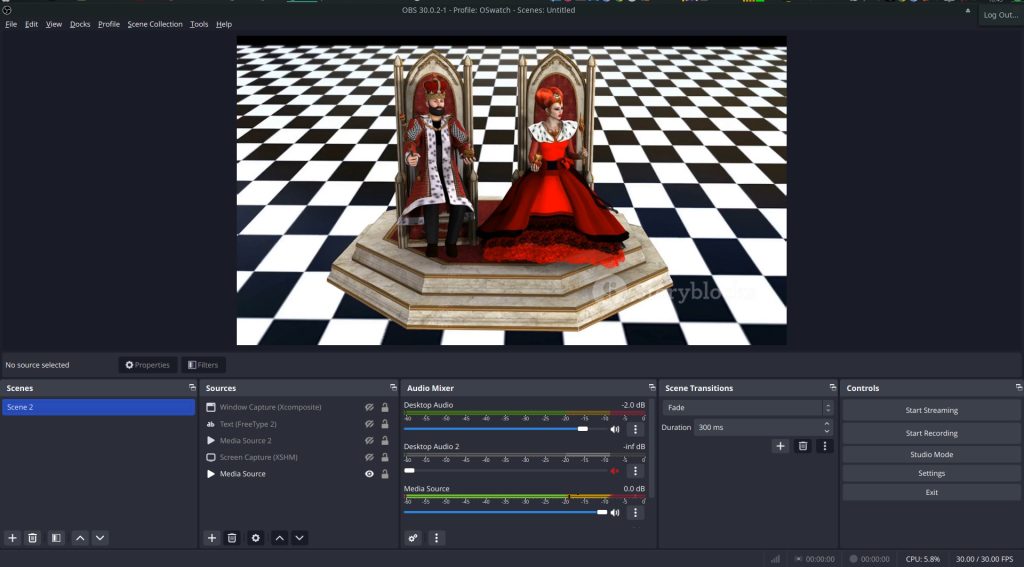
Installation:
- For Ubuntu/Debian-based systems, use:
sudo apt install obs-studio - For Fedora, use:
sudo dnf install obs-studio - For Arch Linux, use:
sudo pacman -S obs-studio
Pros:
- Open-source and free.
- Extensive customization options for recording and streaming.
- Support for multiple platforms (Windows, macOS, and Linux).
- Plugins available for additional functionality.
Cons:
- Steeper learning curve for beginners.
- Resource-intensive, may require a powerful system for optimal performance.
System Requirements:
- CPU: Intel i5 or AMD equivalent, dual-core or higher.
- RAM: 8GB or higher.
- GPU: DirectX 10.1 compatible.
- SimpleScreenRecorder:
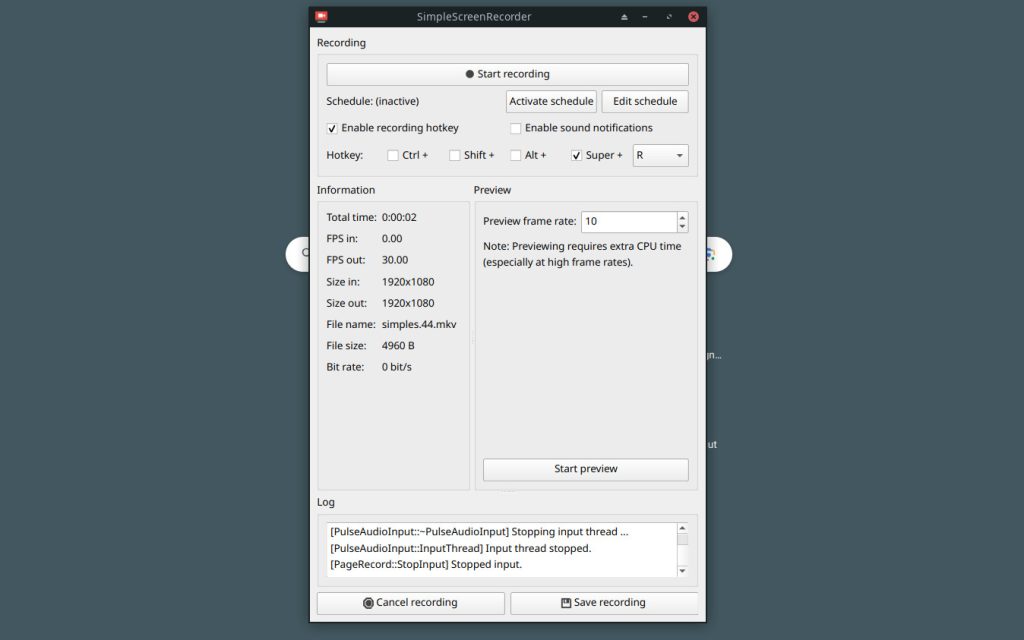
Installation:
- For Ubuntu/Debian-based systems, use:
sudo apt install simplescreenrecorder - For Fedora, use: Download the RPM package from the official website.
- For Arch Linux, use:
sudo pacman -S simplescreenrecorder
Pros:
- Lightweight and user-friendly.
- Efficient for recording desktop activities.
- Minimal impact on system resources.
- Customizable recording settings.
Cons:
- Limited advanced features compared to OBS Studio.
- Focus primarily on screen recording rather than streaming.
System Requirements:
- CPU: Dual-core processor.
- RAM: 2GB or higher.
- GPU: Any GPU with 3D acceleration.
- Kazam:
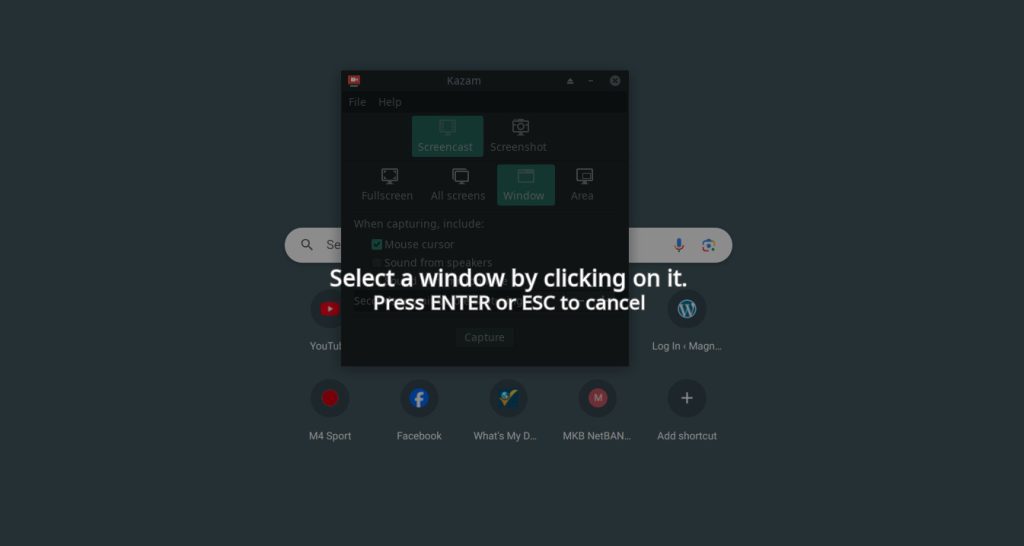
Installation:
- For Ubuntu/Debian-based systems, use:
sudo apt install kazam - For Fedora, use:
sudo dnf install kazam - For Arch Linux, use:
sudo pacman -S kazam
Pros:
- Intuitive and easy to use.
- Simple interface for quick setup.
- Support for multiple video formats.
- Ability to capture entire screens or selected areas.
Cons:
- Limited advanced features.
- No live streaming capabilities.
System Requirements:
- CPU: 1.0 GHz single-core processor.
- RAM: 512MB or higher.
- GPU: Any GPU with 3D acceleration.
Linux users have a variety of video recording software options to suit their needs, ranging from the robust features of OBS Studio to the simplicity of Kazam and SimpleScreenRecorder. Depending on your preferences and the complexity of your recording projects, one of these tools is sure to meet your requirements. Consider the installation instructions, pros and cons, and system requirements to make an informed choice for your video recording endeavors on Linux.

Immutable Linux Distros Explained: The Image-Based OS Revolution in 2026
Immutable Linux distros have moved from a niche experiment to a mainstream desktop option in 2026. F…

GhostLock: A 15-Year Linux Kernel Bug Has a 5-Second Public Root Exploit
A Linux kernel vulnerability that has been hiding in plain sight since 2011 was publicly disclosed o…

How to Install Linux on a Laptop: A Step-by-Step Guide – 2026
Switching to Linux can breathe new life into an aging laptop, boost your privacy, and hand you full …